





You can view the parameters for all model instances contained in any versions that have been saved.
To get the history for all configured model instances:
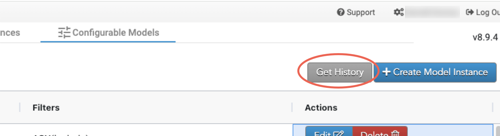
- From the Configured Model Instances screen, select the Get History button.
- Click the arrow in the drop-down list and select a version.
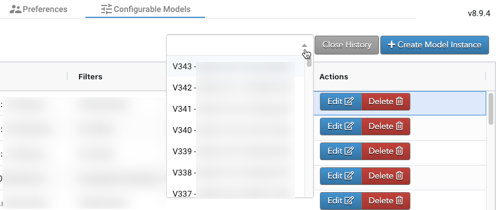
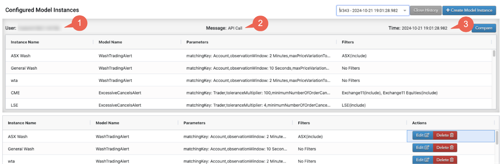
The Configured Model Instances history displays at the top of the screen, including:
- the user who saved the version.
- the message that the user entered when the version was saved.
- the date and time the version was saved.